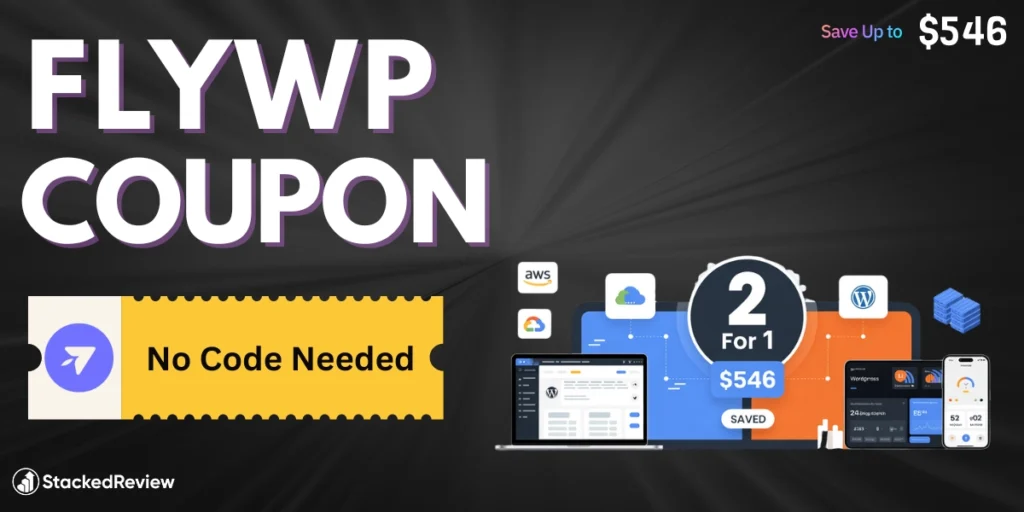
We bring you the best FlyWP coupon available right now where you pay for 1 year and get 2 years of access, saving up to $546 depending on your plan.
This WordPress server management platform lets developers and agencies deploy lightning-fast WordPress sites in minutes on any cloud provider including DigitalOcean, AWS, Google Cloud, or Vultr.
We locked this cloud hosting deal because watching WordPress developers and digital agencies overpay for managed WordPress hosting drives us nuts.
Get unlimited sites, automated backups, team management, built-in security, LiteSpeed or Nginx options, Redis caching, and SSH access across all premium plans.
Exclusive Deal: Buy 1 Year, Get 1 Year FREE
This is the single best offer currently available for FlyWP. It beats any standard monthly discount or small percentage-off coupon code.

How to Redeem Your FlyWP Coupon?
Getting this deal is automatic if you follow these steps. You do not need to copy-paste a complicated code.
- Go to the Official Pricing Page: Click the link above to visit FlyWP’s secure checkout page.
- Select “Yearly” Billing: Toggle the pricing switch from “Monthly” to “Yearly” (this is crucial).
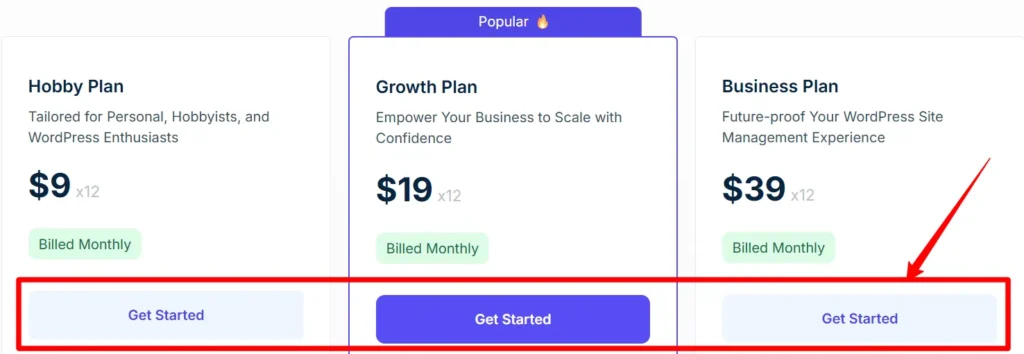
- Choose Your Plan: Pick the Hobby, Growth, or Business plan based on your server needs.
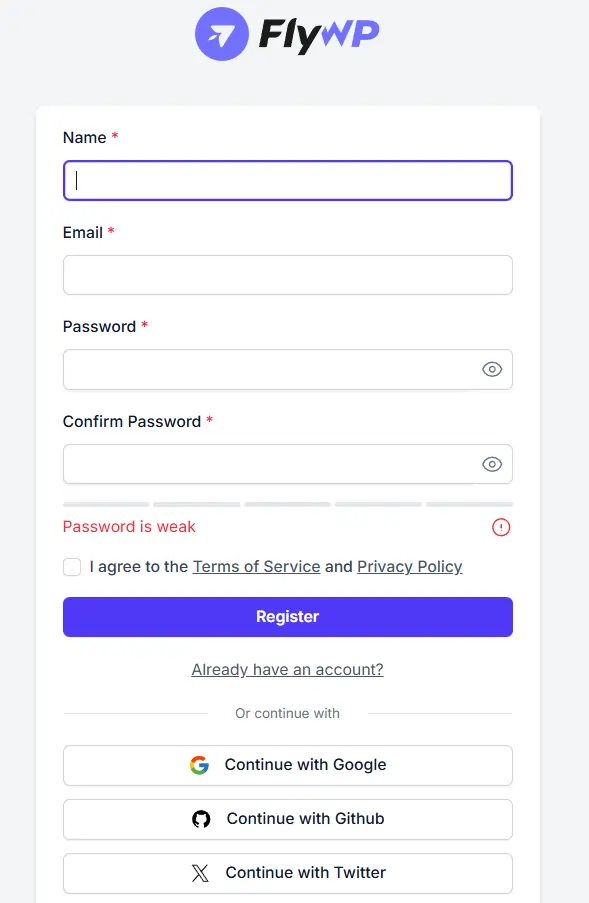
- Create Your Account: Sign up with your email or Google account.
- Review Order: You will see the standard annual price, but the system automatically provisions 24 months of access upon payment.
- Checkout: Complete the payment. Your account will reflect a 2-year validity period immediately.
What Is FlyWP?
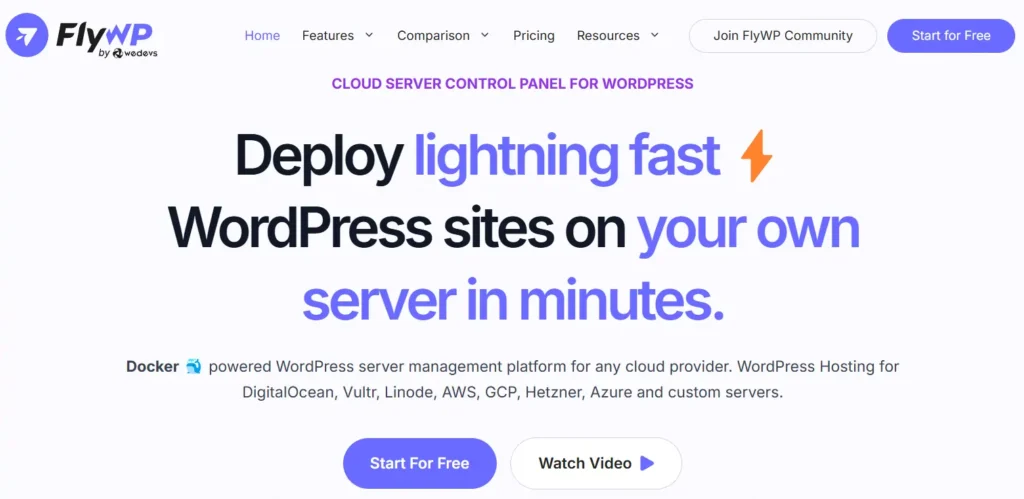
FlyWP is a modern, cloud based server management control panel designed specifically for WordPress. Think of it as the bridge between your raw cloud server (from providers like DigitalOcean, Vultr, or AWS) and your WordPress dashboard.
Instead of struggling with command line coding to set up a server, FlyWP gives you a clean visual interface to deploy, manage, and secure your sites in minutes.
It uses Docker containers to isolate every website you host. This means if one site gets hacked or crashes, your other sites remain completely safe and unaffected. It is built for speed, security, and simplicity, making it a top choice for developers and agencies who want the power of a VPS without the technical headache.
| Feature | Details |
|---|---|
| Founded | 2023 |
| Core Tech | Docker Containerization |
| Supported OS | Ubuntu 20.04 / 22.04 |
| Starting Price | Free (1 Site) |
| Free Trial | 14 Days |
| Server Providers | Any (Custom VPS supported) |
| Refund Policy | 14 Day Money Back Guarantee |
| Support | Priority Support & Documentation |
FlyWP simplifies the complex task of server administration. You connect your cloud provider account, click a few buttons, and have a fully optimized WordPress server running Nginx, Redis, and rigorous firewalls instantly.
Key Features At a Glance
- Docker Isolation: Every WordPress site you launch sits in its own Docker container. This is a huge security advantage because if one site gets infected with malware, it cannot spread to your other sites on the same server. Most panels do not offer this level of separation by default.
- Performance Stack: You get to choose between Nginx and OpenLiteSpeed for your server stack. Both are configured with FastCGI caching and Redis object caching out of the box. This setup ensures your WordPress sites load instantly without you needing to mess with complex configuration files.
- Automated Backups: The platform integrates directly with cloud storage providers like Amazon S3, Google Cloud, Wasabi, and Backblaze. You can schedule incremental backups that run automatically, ensuring your data is safe off-site. Restoring a site takes just a single click from the dashboard.
- Git Push-to-Deploy: For developers, this feature is a workflow changer. You can connect your GitHub, GitLab, or Bitbucket repositories. When you push code to a specific branch, FlyWP automatically deploys it to your live server. This eliminates the need for FTP and manual file uploads.
- Free SSL Certificates: Security is standard, not an upsell. The system automatically issues and renews Let's Encrypt SSL certificates for every site you create. You do not need to lift a finger; the green padlock just appears and stays there.
- 7G Firewall Protection: FlyWP includes the renowned 7G Firewall at the server level. This filters out bad bots, malicious requests, and common attacks before they even hit your WordPress installation. It is a lightweight, powerful layer of security that keeps your server resources focused on legitimate traffic.
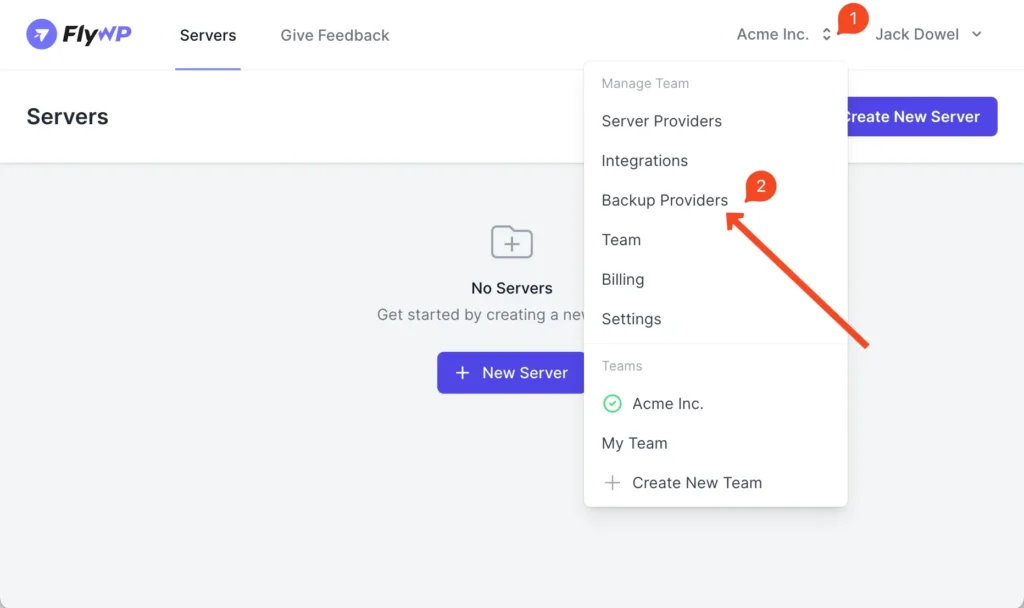
- Magic Login: Forget about losing admin passwords. The dashboard provides a “Magic Login” button that logs you directly into the WP-Admin area of any site you manage. This is incredibly useful when managing dozens of client sites and needing quick access to fix an issue.
FlyWP Pricing Plans
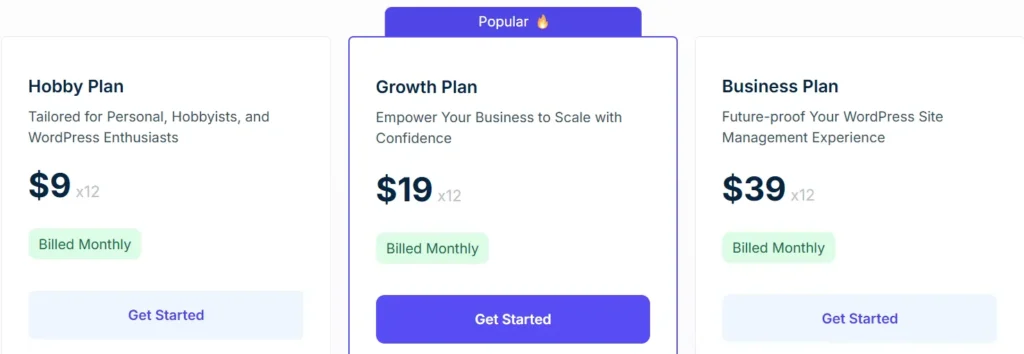
FlyWP keeps its pricing structure incredibly simple. There are no hidden fees for “extra” features; the main difference is simply how many servers you need to manage.
| Plan Name | Monthly Cost | Annual Cost (With Deal) | Server Limit | Site Limit |
|---|---|---|---|---|
| Free | $0 | $0 | 1 Server | 1 Site |
| Hobby | $9 | $90 | 1 Server | Unlimited |
| Growth | $19 | $190 | 10 Servers | Unlimited |
| Business | $39 | $390 | Unlimited | Unlimited |
The “FlyWP Equation” Savings Analysis
Understanding the math behind this tool is crucial. If you host 10 websites on a premium managed host like WPEngine or Kinsta, you might pay upwards of $200 to $300 per month. With FlyWP, you pay $19/month for the Growth plan plus roughly $20/month for two robust VPS servers from Vultr.
This is not a small rounding error; it is a massive operational advantage. By moving to FlyWP, you are essentially cutting out the middleman markup.
The annual pricing coupon we highlighted above simply sweetens this already delicious deal by removing two more months of overhead from your expenses.
FlyWP vs The Competition: Why This Deal Wins
Here is how the current FlyWP offer stacks up against the usual suspects in the cloud panel space.

Cloudways: Cloudways marks up the server price. You pay double the server cost plus a fee. FlyWP charges a flat fee, and you pay the server provider directly. At scale, FlyWP is significantly cheaper because they do not take a percentage of your server spend.

RunCloud: RunCloud is the veteran, but their UI has become cluttered. FlyWP's interface is cleaner, and their Docker implementation is more modern. Price-wise, RunCloud's similar feature set (with backups and teams) often pushes you into higher tiers. FlyWP includes critical features like backups in lower tiers (Growth plan).

SpinupWP: SpinupWP charges per server, which gets expensive fast. FlyWP's “Growth” plan allows 10 servers for $19. That is insane value. SpinupWP would charge significantly more for managing 10 distinct servers.
The FlyWP discount makes it the undisputed value leader for this month. No other panel is offering a “Double Duration” deal that brings the effective monthly cost under $4.
Why We Recommend FlyWP for Agencies
We specifically recommend FlyWP for agencies because of the “Client Isolation” feature. In a traditional shared hosting environment, one hacked site can bring down the whole ship.
Other ways to save money on FlyWP
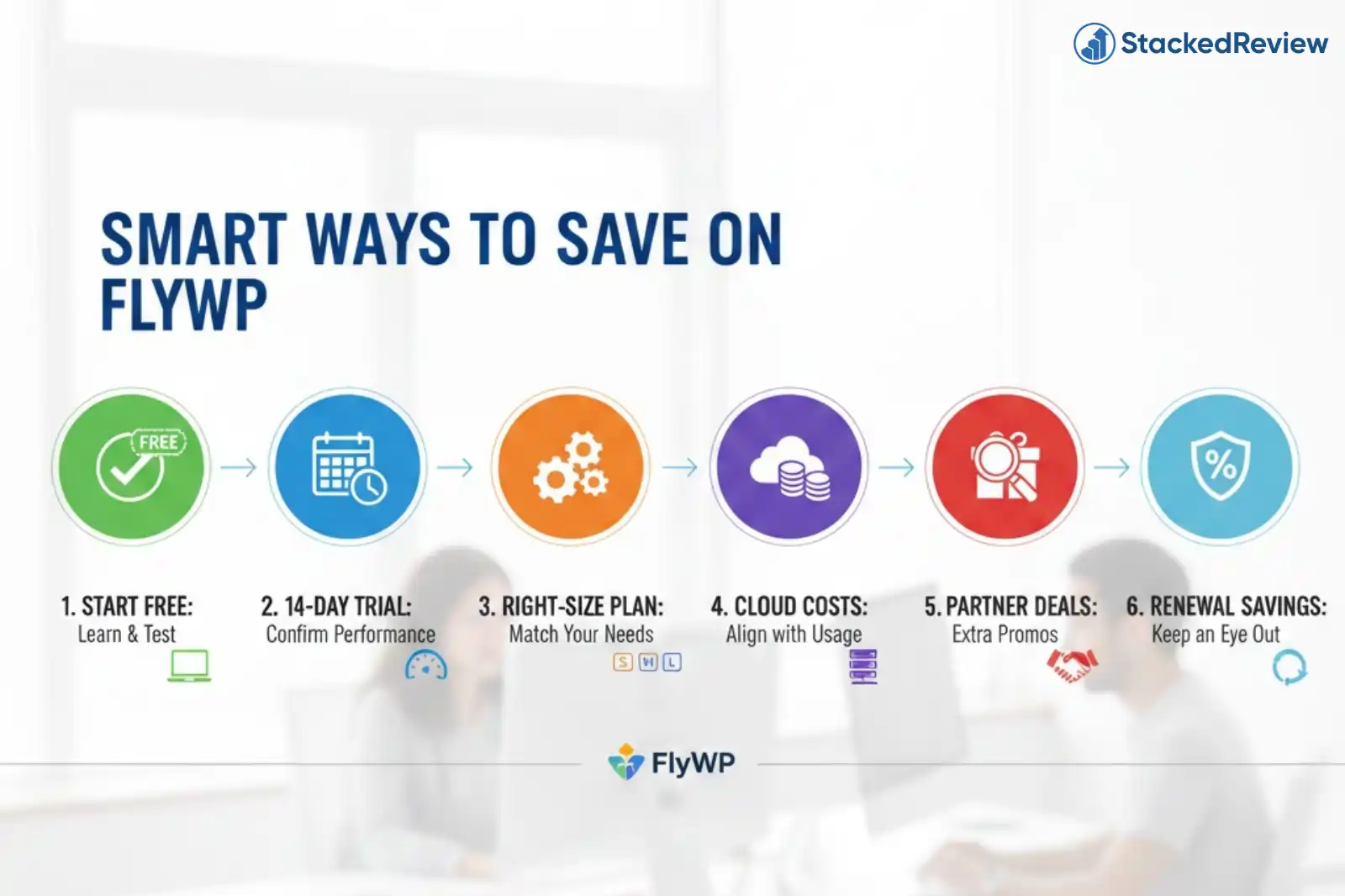
Beyond the coupon codes, there are smart structural ways to lower your bill even further.
Conclusion
If you manage WordPress sites, FlyWP is a no-brainer upgrade from shared hosting or expensive managed platforms. It gives you the speed of the cloud with the ease of a dashboard.
The current Buy 1 Year, Get 1 Year FREE offer is genuinely rare in the SaaS world. Most companies give you 10% or 20% off; FlyWP is effectively giving you 50% off by doubling your term.
StackedReview Verdict: 4.8/5
The value proposition with this specific deal is unmatched. Stop overpaying for hosting and switch to FlyWP today.