Screen Studio shakes up Mac screen recording with simple two-tier pricing. No confusing features or hidden costs.
Screen Studio Pricing starts at $9 monthly with annual billing, making professional recording surprisingly affordable. The one-time option costs $229 for lifetime ownership.
The catch? Mac-only. Windows and Linux users need alternatives.
Let's explore what each plan offers and how to maximise your savings.
Key Takeaways
Screen Studio Pricing Plans Overview
| Screen Studio Pricing Plans | Price | Billing Frequency |
|---|---|---|
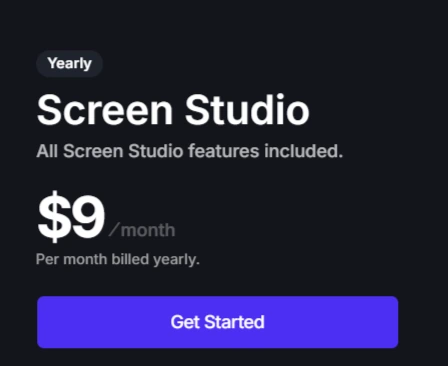
| Annual Plan | $9 / month | Billed $108 yearly |
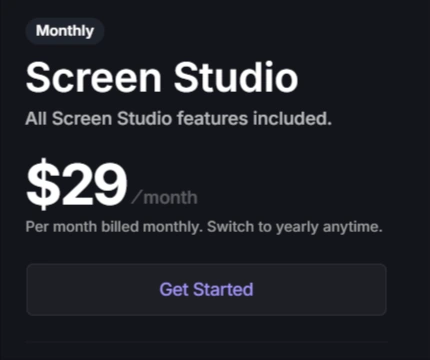
| Monthly Plan | $29 / month | Billed monthly |
Both plans include unlimited recordings, cloud hosting, and access on up to 3 macOS devices.
Annual Plan (Best Value)
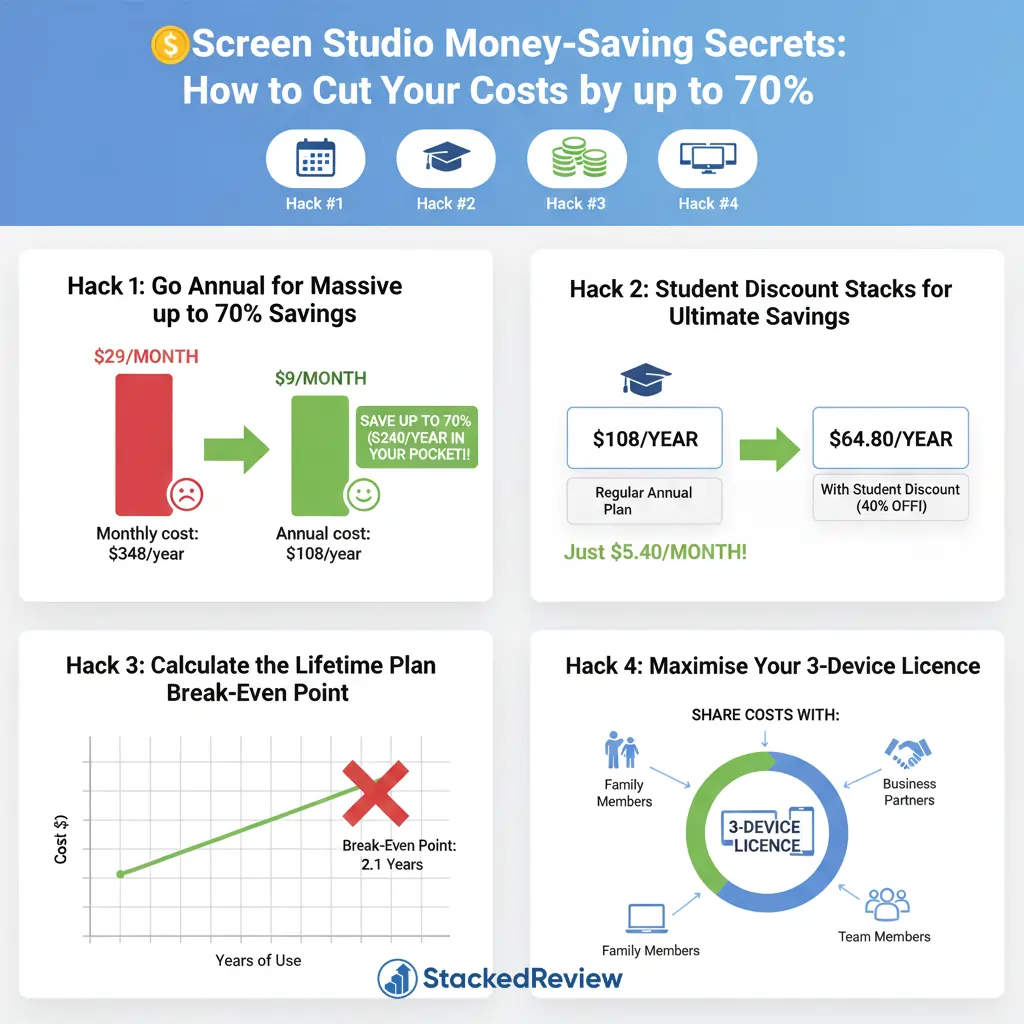
If you know you will be creating content regularly, the Annual Plan is your best bet. It costs $108 per year, which breaks down to just $9 per month.
This is a massive saving compared to the monthly option. By paying upfront, you reduce your effective monthly cost by nearly 70%.
What do you get?
Monthly Plan (Flexible Option)
Not ready to commit to a full year? The Monthly Plan gives you the flexibility to pay as you go. It costs $29 per month and can be cancelled at any time.
Why choose this plan?
However, if you use it for more than four months, you will end up paying more than the cost of the annual plan.
Is There a Screen Studio Lifetime Deal?
In the past, Screen Studio offered a lifetime license for a one-time fee (previously $89, then $229). However, recent updates indicate that Screen Studio has shifted towards a subscription-first model.
While some sources suggest a $229 lifetime option might still be available or accessible via specific legacy links, the official pricing page now prioritises the Annual and Monthly subscriptions.
Refund Policy and Screen Studio Free Trial
Before you commit, it is important to know your options if things do not work out.
Free Download (Unlimited Trial)
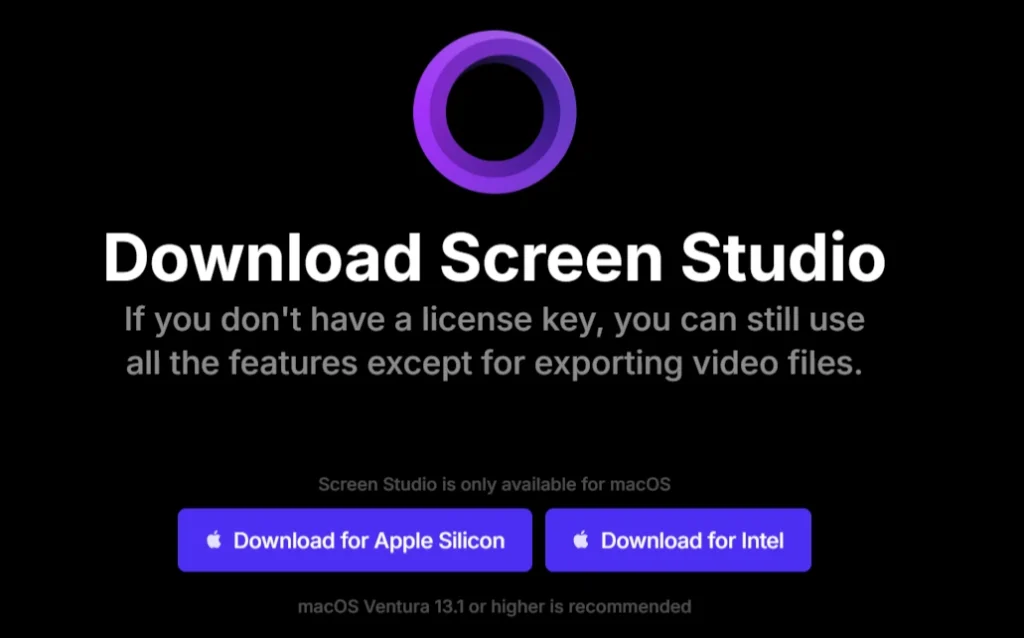
Screen Studio does not offer a traditional “14-day trial” where you need to enter a credit card.
Instead, you can download the app for free and use every single feature. You can record, edit, and preview your videos. The only limitation is that you cannot export the final video file without a license.
Refund Policy
According to Screen Studio’s Terms of Service, fees are generally non-refundable.
Some third-party sources mention a “30-day money-back guarantee”, but the official legal terms are strict. Since you can test the full functionality for free before buying, you should rely on the free download to verify compatibility rather than counting on a refund.
Always check the specific terms at checkout, as policies can vary by region (e.g., EU consumer laws).
70% Off Screen Studio: Money-Saving Hacks
🥊 Screen Studio vs Rivals
| Top Screen Recorder | Annual Price | Platform | Standout Features |
|---|---|---|---|
| Screen Studio | $108 | macOS only | Auto zoom, smooth cursor, AI features |
| Camtasia | $249.99 | Windows, macOS | Advanced editing suite |
| Loom | $150 | Cross-platform | Instant cloud sharing |
| Screencastify | $49 | Chrome only | Browser-based simplicity |
| ScreenFlow | $129 | macOS only | One-time purchase |
Is Screen Studio Worth Your Hard-Earned Cash?
Screen Studio's pricing hits the sweet spot for professional content creators seeking quality without breaking the bank. At $9 monthly (annual billing), you're getting cinema-grade screen recording that would typically cost hundreds more with traditional video editing software.
The 70% annual discount makes it a no-brainer for regular users. Even the $229 lifetime option pays for itself within two years compared to monthly billing.
For macOS users serious about creating engaging product demos and tutorials, Screen Studio delivers exceptional value that justifies every penny spent.